Lapis
Pencil drawing, step by step on real paper
Every drawing is built in the same order: a few straight lines first, then simple shapes, one clean outline, then light and shadow and the tones. Each Step shows what your paper should look like, with the pencil grade to use. Everything on this site is free and works in your browser.
How to draw, step by stepPencil drawings built in Steps on real paper, from a bottle to a street in perspective, with the pencil for every Step.
Drawing techniquesPencil grades, light and shadow, the value scale, hatching, measuring and perspective, each with a diagram.
Shading PlannerTurn any photo into a value study: light shadows, shadow shapes, and a value map with the pencil for each tone.
Drawings, step by step
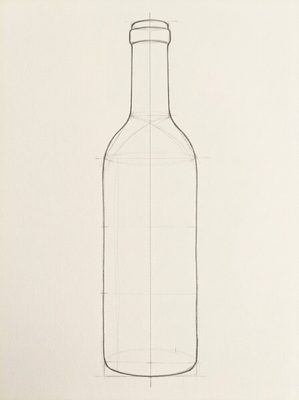 How to draw a bottle
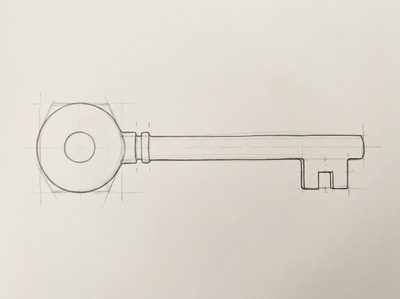 How to draw an old key
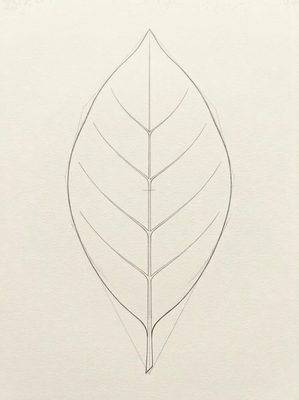 How to draw a leaf
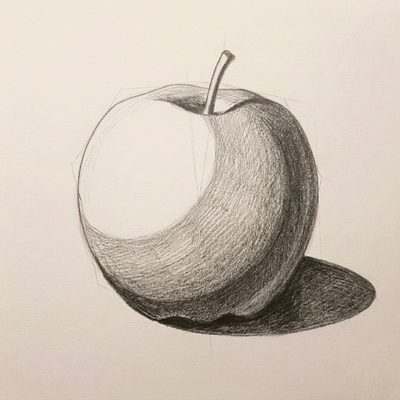 How to draw an apple
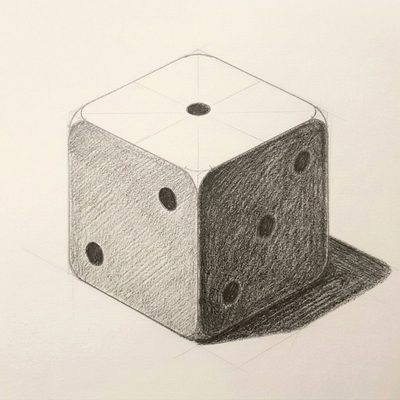 How to draw a die
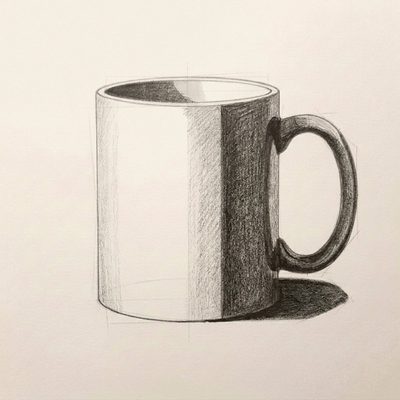 How to draw a mug
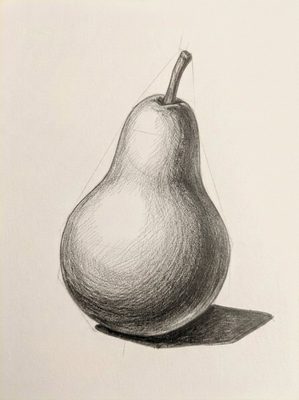 How to draw a pear
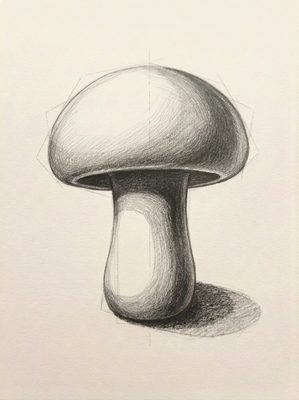 How to draw a mushroom
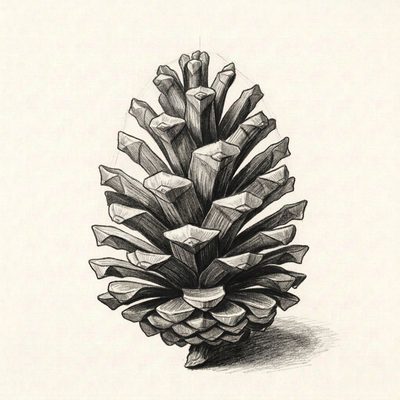 How to draw a pine cone
 How to draw a seashell
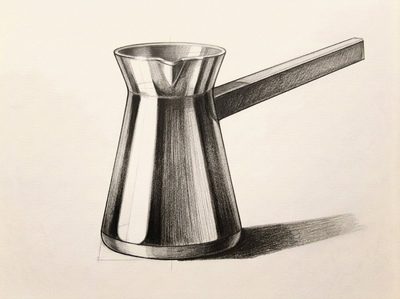 How to draw a Turkish coffee pot
 How to draw a Turkish tea glass
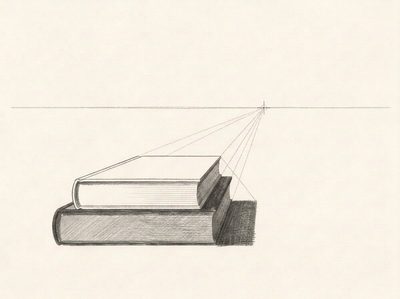 How to draw books in one-point perspective
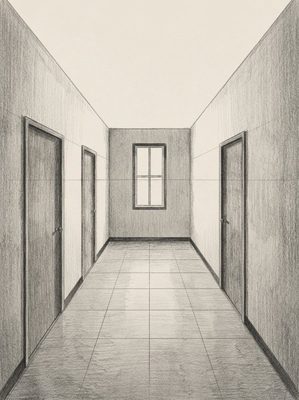 How to draw a hallway in one-point perspective
 How to draw a street in one-point perspective
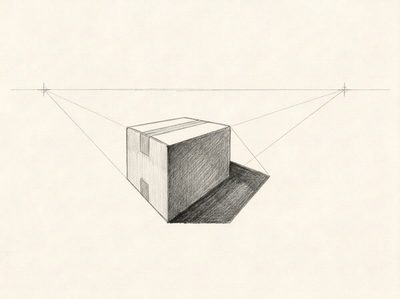 How to draw a box in two-point perspective
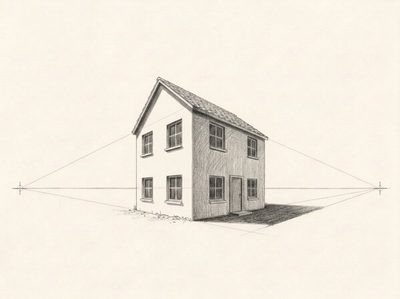 How to draw a house in two-point perspective
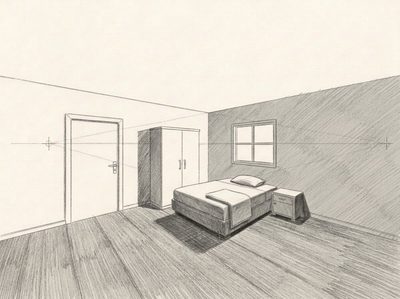 How to draw a room in two-point perspective
The Lapis app
Lapis is an iPhone app (also on iPad) that sits next to your paper and shows each Step full screen, with tips and a pencil grade. You draw freehand with a real pencil; nothing is drawn on the screen. Basics and Shapes are free. Lapis Pro has every Lesson and Photo Guides made from your own photos, with 7 days free.