Erasing, cleaning up and lifting highlights
Press a kneaded eraser onto the line and lift it; don't rub, because rubbing spreads the graphite and roughens the paper. Lighten the construction lines before you shade. For highlights, tone the whole area first, then knead the eraser to a point or a thin edge and press and lift where the light is.
On this page: Erasing and cleaning up · Lifting highlights
Erasing and cleaning up
The eraser is a drawing tool too. Lift the construction lines without rubbing, and the paper stays clean and takes tone well.
- When the contour is done, press a kneaded eraser onto the construction lines and lift it. Don't rub: rubbing spreads the graphite and roughens the paper.
- For a crisp edge or a small spot, use the corner of a plastic eraser and erase in one direction.
- Lighten the construction lines before you shade; once tone is on top of them, they are harder to take out.
- Put a clean sheet of paper under your hand, so it doesn't smudge the drawing as it moves.
- No kneaded eraser? Wrap a piece of masking tape around your finger, press it lightly on the line and lift.
Used in: an old key (Step 3), a leaf (Step 3).
Lifting highlights
Bright reflections are easier to take out of a tone than to leave out around. The eraser is a drawing tool.
- Tone the whole area first, ignoring the highlights.
- Knead the eraser into a thin edge or a point.
- Press and lift, without rubbing: each press takes a little graphite away. For a sharp highlight, lift along a clean edge.
Used in: a Turkish coffee pot (Step 8), a Turkish tea glass (Step 8).
Practise it in a drawing
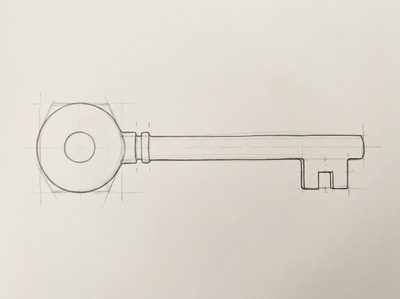 How to draw an old key
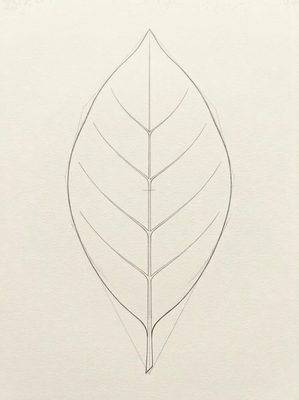 How to draw a leaf
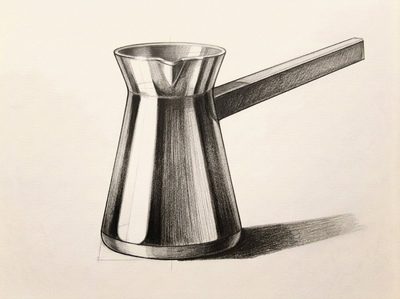 How to draw a Turkish coffee pot
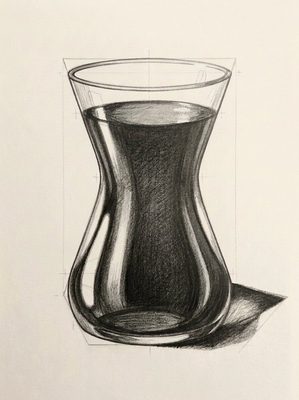 How to draw a Turkish tea glass
More techniques
- Pencil grades: 2H, HB, 2B and 4B, and when to use each
- Light and shadow: core shadow, cast shadow and reflected light
- How to make a value scale with a pencil
- Hatching, cross-hatching and smooth tones
- How to measure proportions with a pencil
- How to draw ellipses and clear glass
- One-point and two-point perspective
In Lapis, a technique card opens in the Lesson that first needs it, next to your paper, and stays on your Techniques shelf. You draw freehand with a real pencil; one tap to the next Step.
Get Lapis on the App Store